Prepare your students for CBT and run school exams without depending on the internet.
Stark CBT turns your existing school computer lab into a dependable testing hall. Conduct continuous assessments, mock exams, and term exams smoothly—even if the internet cuts off entirely.
See How 100+ Students Write Exams with Zero Internet
Connecting to local demo stream... Click to start now.
Nigeria’s Examinations Are Moving to CBT. Is Your School Preparing Students Early?
From JAMB UTME to the progressive rollout of computer-based testing in WAEC SSCE, NECO, and state BECE, the direction of Nigerian education is clear. Students who only see computer test screens on external examination day face unnecessary anxiety, timing errors, and accidental submission panic.
The schools producing the highest pass rates don’t wait for external examination week. They give their students weekly and termly hands-on practice right inside their own school computer labs.
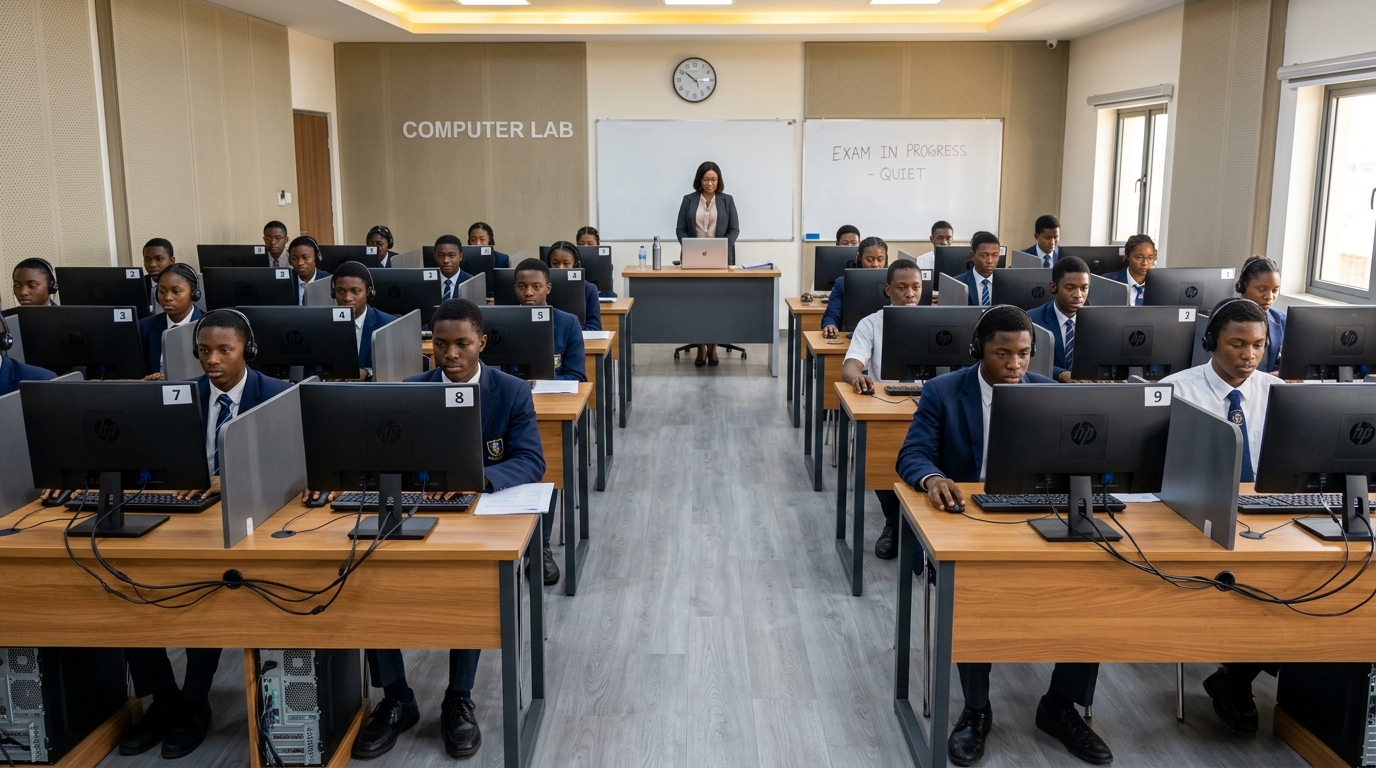
Equipped for High-Stakes Exams
Turn your existing computer lab into an accredited CBT testing center running 100% offline.
Protect Your School's Reputation
When parents ask how you prepare their children for JAMB and WAEC CBT, you have a clear, modern system to show them. Plus, you drastically cut down recurring paper reams, stencil printing, and toner expenses every term.
Calm Exam Halls, Faster Results
No more late-night script marking or missing result sheets. Supervise students centrally, prevent question leakage, and produce complete, error-free broadsheets the moment the last student clicks submit.
Zero Stress, Zero Complex Setup
No complicated database installations, no cloud server headaches, and no blurry formula screenshots. Type math and science questions easily, start the exam with one click, and let the software mark automatically.
Engineered for Practical Nigerian School Realities
Whether your computer lab has 20 desktop PCs on Windows 7 or 100 mixed laptops running on generator power, Stark CBT keeps your examination moving smoothly without depending on internet access or telecoms.
What This Does for Your School, Students & Teachers
Clear, tangible benefits designed to improve academic performance and remove exam-day stress.
Prepare Students for Important CBT Exams
Give your students regular, hands-on experience before they face JAMB UTME, WAEC, or NECO. They learn to manage countdown timers, navigate questions with ease, and submit with zero panic.
Run School Exams Without Internet Dependency
Conduct internal tests and mocks over your school's existing computer lab network. Your examination will never depend on whether the internet decides to cooperate that morning.
Save Teachers Hours of Manual Marking
Stark CBT grades objective questions automatically. Teachers spend less time marking hundreds of answer sheets and can focus on teaching, while administrators get results much faster.
Monitor Examinations With Greater Control
Supervisors monitor live test progress from a single dashboard. The system flags students attempting to exit fullscreen or switch browser tabs, giving exam officers control without guesswork.
Protect Every Student From Losing Work
Student progress is saved continuously. If a loose cable or generator switch happens mid-exam, students log right back in without losing a single answered question—preventing tears and complaints.
Use It All Year Round Across All Classes
From weekly class drills and continuous assessments (CA) to entrance examinations and terminal promotions. You are not paying for something that sits idle most of the term.
Try the Student Examination Experience
See how questions and mathematical equations appear to candidates in the computer lab.
Solve for x in the quadratic equation below:
Question Palette
Click any number to jump directly
Check Your School’s CBT Readiness
Answer 4 quick questions to see how easily your school lab can conduct computer-based exams.
1. How many functional computers are in your school lab?
Stark CBT operates smoothly with any lab size by running students in batches or full halls.
How Stark CBT Compares to Other Options
Why running exams over local network cables beats fragile cloud forms or paper printing.
| Capability / Architecture | Our Solution Stark CBT | Online CBT Platforms / Google Forms | Traditional Paper Exams |
|---|---|---|---|
Operates 100% Offline (Zero Internet Required) Exams proceed uninterrupted even during total ISP, SIM router, or fiber failure. | |||
Tamper-Proof Answer Key Security Answer keys never touch student computers. Marking happens authoritatively on the teacher server. | |||
Zero Complex Server or Database Setup Self-contained software. Runs directly without installing external database software or background services. | |||
Handles 500+ Simultaneous Student Bursts on Modest PC Smooth exam submission under 50ms response time even with hundreds of students. | |||
Anti-Cheat Lockdown & Violation Alerts Detects and alerts invigilators of fullscreen exits, tab switching, and window changes in real time. | |||
Clear Math & Science Formula Rendering Crisp mathematical formulas, fractions, powers, and scientific symbols rendered offline without blurry screenshots. | |||
Built-in Offline Scientific Calculator Prevents students from needing physical programmable calculators or switching apps. | |||
Runs on Legacy Windows 7, 8, 10, 11 & Linux Labs Engineered for older secondary school lab hardware with 2GB RAM. | |||
Zero Recurring Cloud Bandwidth or Server Fees No monthly cloud hosting bills, AWS instances, or student internet data bundle costs. | |||
Instant Automated Marking & Result Transcripts Instant student scores and one-click termly report card exports for teachers. |
Frequently Asked Questions by School Leaders
Everything proprietors, exam officers, and ICT teachers ask before deploying Stark CBT.
Yes. Stark CBT was built specifically for the reality of Nigerian school computer labs. It runs smoothly on desktop PCs and laptops running Windows 7, Windows 8, Windows 10, Windows 11, or Linux with as little as 2GB of RAM. You do not need to buy new computers to start running computer-based examinations.
Student progress is protected at all times. All question selections are saved immediately on both the student computer and the local server. When power is restored or the generator kicks in, students simply log back in and resume their examination right from the exact question and second where they stopped.
No. Internet is only required on the teacher computer to verify your software license key with our servers when activating or renewing your plan. All student examinations, continuous assessments, timers, automated marking, and report card exports run 100% locally across your school’s computer lab cables or Wi-Fi router. Internet outages or zero data balance will never disrupt an ongoing exam.
Stark CBT is an independent internal school examination and practice platform developed by XpanSieve. It is not affiliated with, endorsed by, or required by WAEC, NECO, or JAMB. Instead, it solves the practical need for Nigerian secondary schools to prepare their students, staff, and computers for the nation’s broader transition toward computer-based testing.
Yes. Stark CBT includes a built-in mathematics and science editor (powered by KaTeX) with one-click buttons for fractions, square roots, powers, calculus integrals, matrices, Greek letters, and chemical reaction equations. No blurry screenshots needed.
The moment a student submits (or when the exam countdown timer reaches zero), their answers are marked authoritatively on the local server in less than 50 milliseconds. Teachers and examination officers can immediately print individual student result slips or export complete term broadsheets to Excel and CSV.
No. The Stark CBT Student Exam App enforces a full-screen lockdown shield. If a candidate attempts to switch applications, minimize windows, press Alt+Tab, or open browser tabs, the system triggers an immediate warning dialog and logs the incident timestamped on the teacher’s invigilator monitor screen.
Initial lab installation takes under 15 minutes. Once the teacher computer runs the Stark CBT Control Panel, student computers connect simply by typing the local server address (e.g., http://192.168.1.50:8080) into their browser or launching the Student Exam App shortcut. No external internet or complex database configuration required.
Take the First Step Toward Reliable School CBT
Book a live demonstration on your school’s computers or download the software directly to start exploring with your teachers.